
Learning how to write full name on Vietnam eVisa forms comes down to one rule: copy your surname and all given names from the Machine-Readable Zone (MRZ) at the bottom of your passport data page, in uppercase Latin letters, with no diacritics. Middle names are mandatory. Omit one and you risk being refused boarding at check-in.
This is an independent guide for UK travellers, not a government page. You apply yourself at evisa.gov.vn. We don’t take fees or submit applications on your behalf, and you should always confirm current rules on the portal before you travel. Below you’ll find field-by-field help for the name, address, religion, occupation and date sections of the form.
Matching Your Name to the MRZ Line
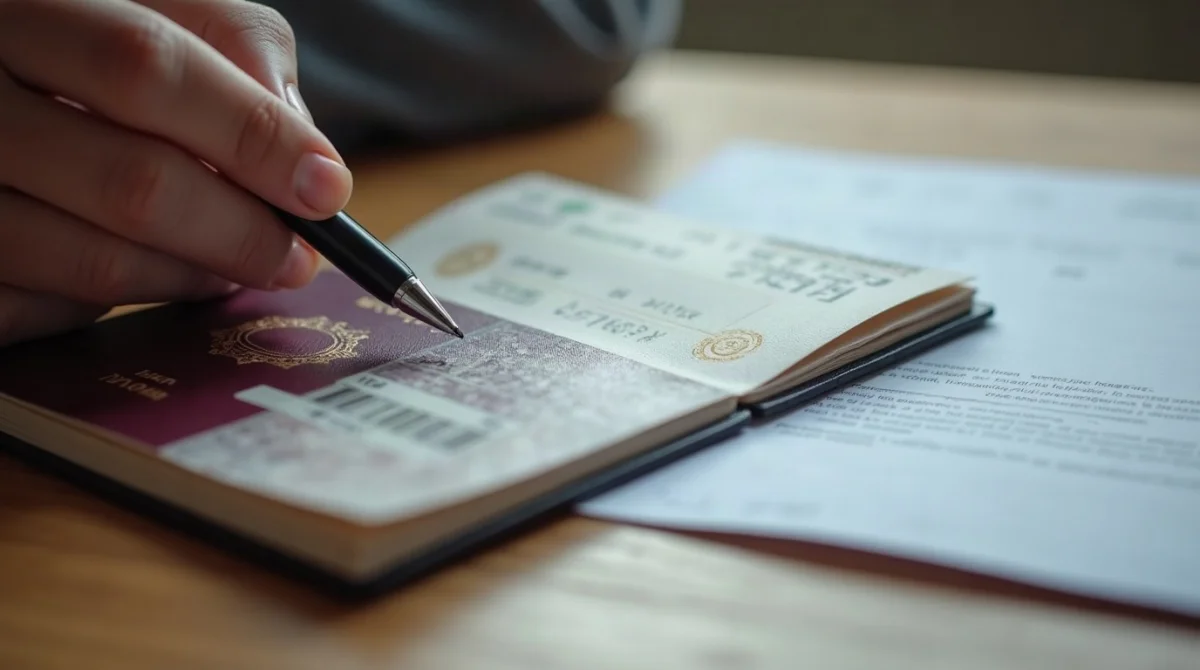
Locate the MRZ
Two lines of small characters at the bottom of your passport photo page – the single authoritative source for your name.
Read the name format
It reads SURNAME<<GIVEN NAMES, with < as a filler between parts.
Enter every component in one block
The form has one name block, “Surname, middle and given name” – enter every component from the ICAO line there.
Copy the line exactly
Uppercase, exactly as the ICAO line prints it, with nothing missing. Don’t let the label confuse you: completeness, not order, is what the immigration database checks.
Take John David Smith. His MRZ shows SMITH<<JOHN<DAVID. He enters “SMITH JOHN DAVID”, matching that line. He must never drop “David”.
| UK passport structure | MRZ shows | Split fields |
|---|---|---|
| Two middle names (John David Smith) | SMITH<<JOHN<DAVID |
Surname: SMITH / Given: JOHN DAVID |
Other name structures follow the same principle: your surname goes into the surname field, all of your given names go into the given-name field, and no special characters are used.
Verifying OCR auto-filled data
- After you upload your passport data page, the system auto-fills your personal details using OCR.
- OCR is not flawless – character errors can slip into the auto-filled fields.
- Every auto-filled field must be compared against your physical passport and corrected before you move on to payment.

Middle Names, Hyphens and UK Passport Specifics
Your middle name isn’t optional. If it’s in the MRZ, it goes on the form.
- Hyphenated surnames: for a double-barrelled surname, enter both parts as printed in your passport name fields, separated by a space.
- Apostrophes: enter the name using the plain Latin characters shown in the passport’s machine-readable line, without accents or special characters.
- Diacritics: strip them all. Type MULLER, not MÜLLER; NUNEZ, not NUÑEZ.
- Suffixes (Jr., Sr., III): include one only if it is printed in your passport’s name fields, exactly as printed.
- Issuing Authority: UK passport holders enter “HMPO” (His Majesty’s Passport Office). Older passports may show “IPS” or “FCO”. Copy what is printed on the data page.
Temporary Address, Religion and Occupation
This part of the form trips people up because of the dropdowns.
Cascading dropdowns: province, district, ward
Enter the accommodation where you will stay, with the city/province and ward as they appear on your booking confirmation.
Declare your first intended address only. On a multi-city trip, list your first hotel; for each later stay you must declare your temporary residence through the manager or operator of that accommodation.
Don’t confuse the fields: your permanent residential address is separate, and that’s where your UK home address goes.
Safe values for religion and occupation
The religion field may be compulsory, so the safest approach is to enter your religion, or “None” or “N/A” if you have none.
Occupation is optional: enter your current job title, or leave it blank.
Entry and Exit Dates and Port Flexibility
The eVisa is valid for up to 90 days, single- or multiple-entry (the old 30-day limit ended with Resolution 127/NQ-CP on 15 August 2023). You can apply up to 1 year before your planned entry date.
How your arrival timing plays out:
| Arrival scenario | Outcome |
|---|---|
| You arrive on the declared entry date | Full validity window applies |
| You arrive later, within the window | Permitted, but your stay shortens accordingly |
| You arrive before the “Valid From” date | Not permitted; entry before the start date on the visa is refused |
Your exit checkpoint doesn’t need to match your entry checkpoint. You can fly into Noi Bai (Hanoi) and leave through Tan Son Nhat (Ho Chi Minh City), or cross at Moc Bai and exit via Da Nang airport. The approved list currently covers 27 land border gates, 15 airports and 39 seaports; check the list on the portal before booking.
Fixing Name Mistakes, Related Requirements and Scams
Once payment is confirmed, you can’t edit the form. During processing you may be asked to supply additional information or documents; otherwise the details you submitted cannot be changed. An approved eVisa carrying a name error is legally invalid, and airlines will refuse you a boarding pass.
Your only safe path is a fresh application with the correct name, paying again: USD 25 single-entry or USD 50 multiple-entry, non-refundable. Processing takes 3 working days, so submit at least 10 to 14 days before departure. If you’re leaving imminently, submit the corrected application straight away.
Before you reach the name fields, tick off the related requirements:
- Passport valid at least 6 months beyond arrival, with 1 blank page; eVisa expiry at least 30 days before passport expiry.
- Passport data page upload: JPG, JPEG or PNG, under 2MB, MRZ lines visible and uncropped.
- Photo: 4×6 cm, white or off-white background, taken within 6 months, under 2MB, no glasses or hats.
- Visa exemption: some nationalities are exempt for short stays. Check the unilateral exemption list on the portal to see whether it applies to your passport and trip length.
- Don’t confuse the eVisa with Visa on Arrival; that’s a separate process needing an approval letter in advance.
Apply only at evisa.gov.vn or thithucdientu.gov.vn. The “.gov.vn” domain is your marker. Commercial agencies add their own service charge on top of the government fee for help with a form you can complete free of charge; those extra amounts are not government charges. A scam site, by contrast, imitates the government portal. Check the domain before you enter payment details.
Frequently Asked Questions (FAQ)
How should I write my full name on the Vietnam eVisa form?
Copy your surname, first name and all middle names from the MRZ at the bottom of your passport bio-page. Use capital letters and no diacritics, exactly as the ICAO line prints your name. Every component printed in the MRZ must appear on the form.
Does name order matter, surname first or given name first?
Completeness matters more than order. Enter every component exactly as the ICAO line prints it, in uppercase, and omit nothing from that line.
Do I need to include my middle name on the Vietnam eVisa?
Yes. If your middle name appears in your passport MRZ, it must go on the form. Leaving it out is the most common reason travellers are refused boarding at check-in.
How do I enter a hyphenated or double-barrelled surname?
Enter both parts as printed in your passport name fields, separated by a space. Use the plain Latin characters of the machine-readable line, without accents or special characters.
What should British passport holders write for “Issuing Authority”?
Enter “HMPO” (His Majesty’s Passport Office) or the full designation printed on your passport data page. Older passports may show “IPS” or “FCO”; type exactly what your passport says.
Can I edit my name on the eVisa after payment?
No. Once payment is confirmed the form is locked, and an approved eVisa with a wrong name is invalid. You must submit a new application with the correct details and pay the fee again.
What do I put in the religion and occupation fields?
For religion, it’s safest not to leave the field blank: enter your religion, or “None” or “N/A” if you have none. For occupation, the field is optional, so enter your current job title or leave it empty.
Can I arrive later or exit through a different port than I declared?
Yes to both. You may enter on any date within your validity window, though your stay shortens accordingly; arriving before the start date is not permitted. Your exit checkpoint can differ from your entry checkpoint, provided both are on the approved list of ports.
Sources and Further Reading
- evisa.gov.vn, the Vietnam National Electronic Visa system, where you submit the application.
- evisa.gov.vn FAQ, covering validity, fees, checkpoints and the 1-year application window.
- evisa.gov.vn instruction page, with document upload specs and OCR auto-fill guidance.
Rules can change, so check the portal before you travel.