
To download approved Vietnam eVisa PDF files, start at the public status portal run by Vietnamese immigration: evisa.xuatnhapcanh.gov.vn/tra-cuu-thi-thuc. Enter your Registration Code, registered email address, date of birth and the captcha code, then download the PDF. Print at least two copies on A4 paper before you fly.
This is an independent guide for UK travellers, not a government site, and we don’t charge fees or submit applications on your behalf. Always confirm details on the evisa.gov.vn portal before you travel.
Why UK Travellers Must Print a Physical Copy
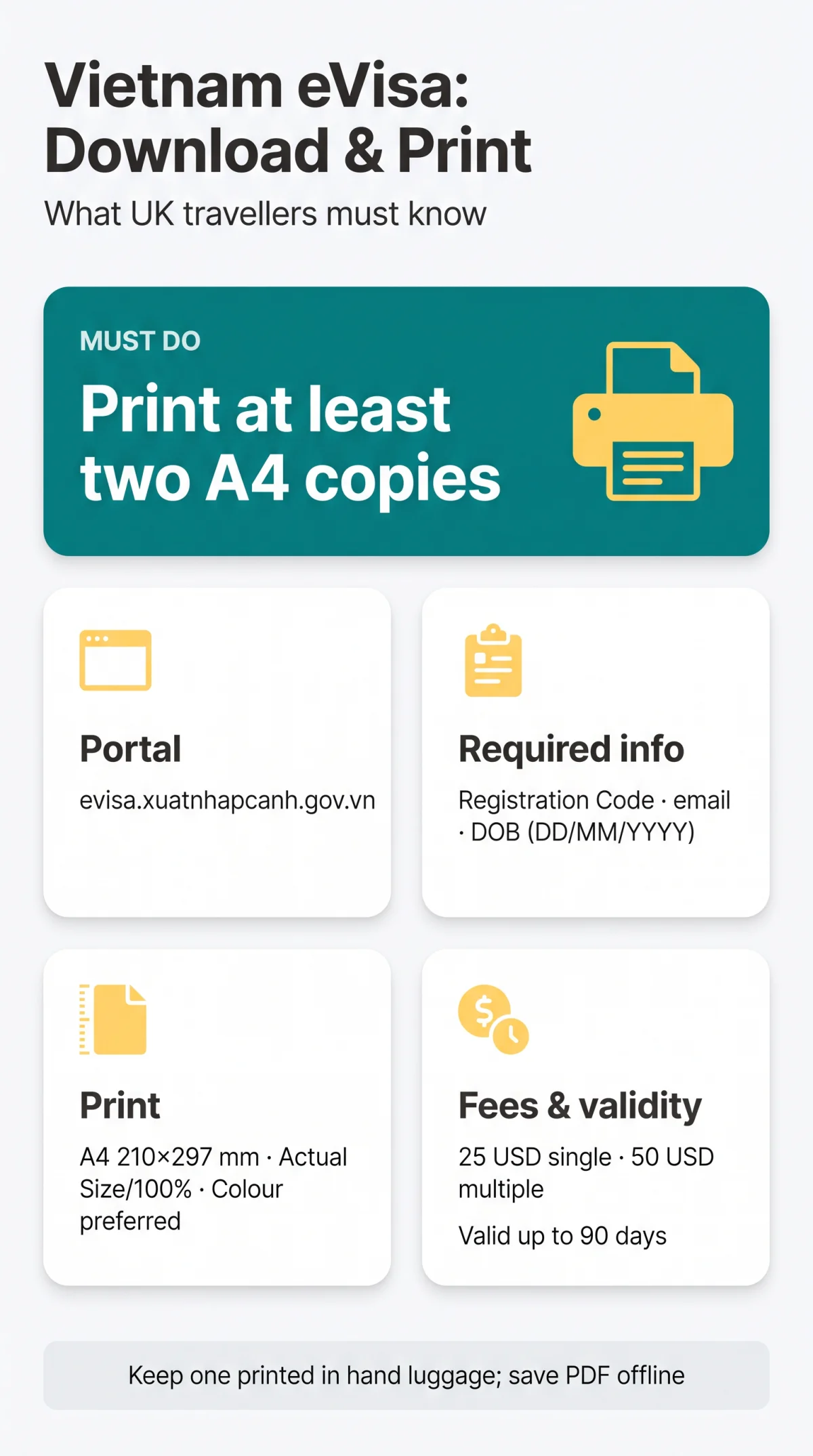
Vietnamese border control expects a printed copy of your eVisa alongside your passport, so print it before you fly.
Keep one printed copy in your hand luggage and save the PDF offline on your phone as a backup. Your eVisa is valid for up to 90 days, single or multiple entry.
How to Download Approved Vietnam eVisa PDF: Step by Step
Watch out for paid third-party intermediaries in search results; on the government portal you pay only the 25 USD or 50 USD visa fee, and retrieving the approved PDF is free.
Open the status inquiry portal
evisa.xuatnhapcanh.gov.vn/tra-cuu-thi-thuc
Enter your details
Registration Code (Electronic Profile ID), registered email address, and date of birth in DD/MM/YYYY format.
Type the captcha code
Submit the lookup.
Read the status
“Under processing”, “Approved / Granted visa”, or “Rejected / Denied”. If you see “Denied Reason: Click here to edit”, follow that link to amend your data.
Download the PDF
Click the green arrow next to “print visa”, then the download icon.
Open the file
Confirm it displays fully, and save a backup copy.
You can also reach the file through the link in your approval email. The system runs on Indochina Time (UTC+07:00), so allow for the time difference from the UK.
Troubleshooting Failed or Blank PDF Downloads
| Symptom | Fix |
|---|---|
| PDF opens blank or won’t open | Download the file again, clear your browser cache, and open it in any PDF reader |
| Nothing happens when you click download | Try another browser or a private window, then repeat the lookup on the status portal |
| Page renders wrongly on your phone | Open the file on a computer in any PDF reader instead |
Pre-Print Inspection: Fields to Verify
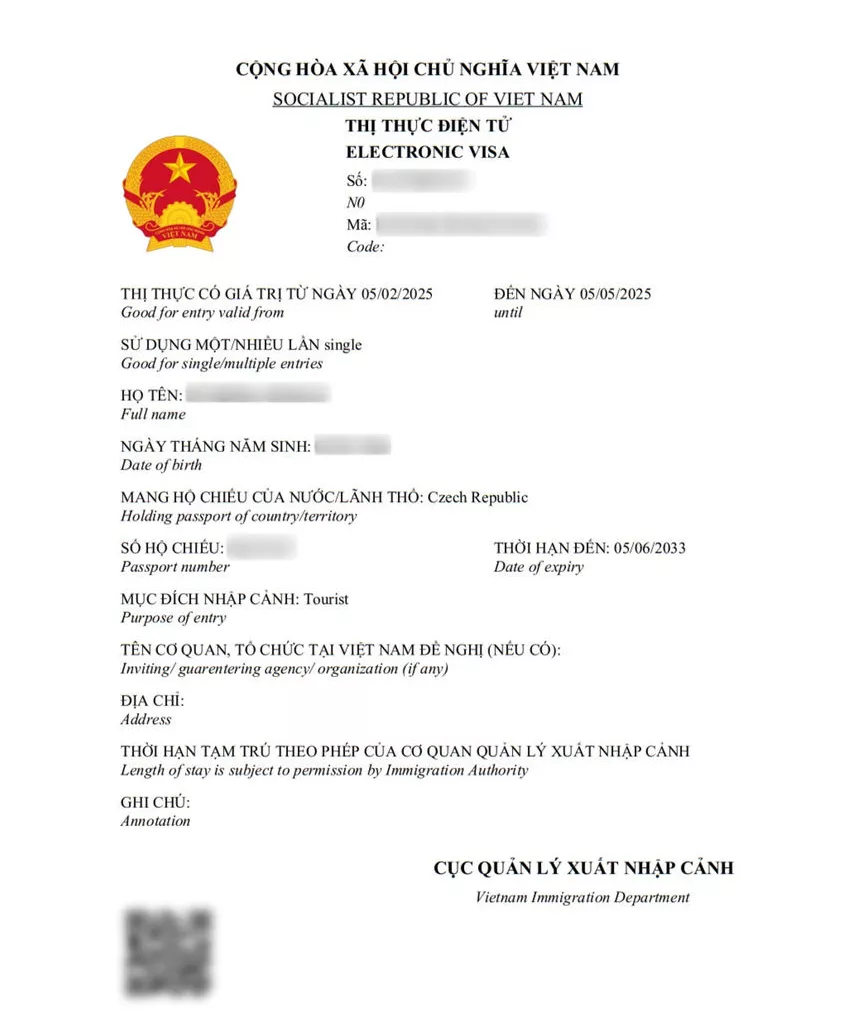
Check every field before you print, because an approved document can’t be edited. If anything’s wrong, you’ll have to submit a new application and pay the fee again: 25 USD single-entry or 50 USD multiple-entry, non-refundable.
- Full name, in the same sequence as your passport’s data page
- Date of birth and nationality
- Passport number and passport expiry date
- Visa type (single or multiple) and visa number/code
- Validity window: “Allowed to enter from… To…”
The newest version shows no gender field, and there’s no red wet-ink stamp; the document carries an electronic stamp from the Vietnam Immigration Department.
Printing Rules: Colour, Paper Size, and the Barcode
The rules require a printed copy but don’t specify colour; what matters is that every detail on the page is sharp and legible. Colour keeps the printed details and the electronic stamp easier to read.
| Print method | Print quality |
|---|---|
| Colour laser | Sharp and durable output |
| Black-and-white laser | Sharp output with lower contrast than colour |
| Inkjet | Legible when freshly printed, though ink can smudge on a damp page |
Load A4 paper (210 × 297 mm) and print at “Actual Size” or “100%” rather than “Shrink to Fit”, so the page prints exactly as issued.
- Print at your printer’s normal quality setting so all details stay sharp.
- Don’t fold the page across the visa number or the electronic stamp.
- Don’t laminate the page; keep it as the plain printout you downloaded.
Your printed eVisa is accepted at 81 designated international border gates: 15 airports, 27 land crossings and 39 seaports.
Common Mistakes to Avoid
- Printing in “Shrink to Fit” mode, folding the page across the visa number or the electronic stamp, or laminating the sheet: follow the printing rules above.
- Paying a third-party site to “retrieve” your visa: the download on the government portal is free.
Frequently Asked Questions (FAQ)
How do I download my approved Vietnam eVisa PDF if I lost the approval email?
You don’t need the email. Go to evisa.xuatnhapcanh.gov.vn/tra-cuu-thi-thuc, enter your Registration Code, registered email, date of birth and the captcha code, then click the green arrow beside “print visa” and the download icon once the status shows “Granted visa”.
Can I print my Vietnam eVisa in black and white?
The rules only say you must present a printed eVisa with your passport; they don’t specify colour. Print it so the photo, dates and codes are clearly legible, and keep the digital copy as a backup.
What paper size should I use to print a Vietnam eVisa in the UK?
Use A4 (210 × 297 mm), the UK and Vietnamese standard, and print at actual size so nothing on the page is cut off.
Why is my Vietnam eVisa PDF blank or not opening?
Try downloading the file again, clear your browser cache, switch to another browser or a computer, and open it in a standard PDF reader; if it still won’t open, repeat the lookup on the status portal.
Do I need to print my Vietnam eVisa in colour for border control?
No, the rules don’t ask for colour, only for a printed eVisa shown with your passport. What matters is that the details on the page are easy to read.
What happens if the barcode on my printed Vietnam eVisa does not scan?
Border officers check your eVisa against the immigration system using your passport and the details on the printout, so carry a clean, legible copy and your original passport.
How do I save my Vietnam eVisa PDF on my phone as a backup?
Download the PDF to your phone’s storage and open it offline to confirm it works. Keep the digital file as a backup and carry the printout as well, as officers may ask to see either version alongside your passport.
Can I re-download my Vietnam eVisa PDF for free if I lose it?
Yes. Look your application up on the status portal with your Registration Code, registered email, date of birth and the captcha code, and download the granted visa again free of charge. Print fresh copies before each trip rather than relying on an old printout.
Sources and Further Reading
- evisa.gov.vn – the Vietnam National Electronic Visa system, with application rules, fees, and eligible border gates.
- evisa.gov.vn/instruction – step-by-step instruction for applying, including photo and passport requirements.
- evisa.xuatnhapcanh.gov.vn/tra-cuu-thi-thuc – the status inquiry portal where you check your application and download the approved eVisa.
Rules can change, so verify the details on the portal before you travel.